
How to Search for a Grundy County Warrant
The county directory links to the public TNCrtInfo case search for Circuit Court and General Sessions. No official Grundy sheriff roster or separate warrant-search form was verified. Start with the portal when the record may be in one of those county courts, then confirm any warrant-related entry with the clerk. The Sheriff's published phone is a general county law-enforcement contact, not a dedicated warrant line.
Gather the citation, case number, case year, and court name if you have them. The public form has no date-of-birth, plate, warrant-number, active-status, or serving-agency field. Ask the issuing city about municipal cases. A missing result is a reason to check another custodian, not a final status answer.
- Open the county-linked TNCrtInfo case search for Circuit Court or General Sessions.
- Search by full name, year, or the numeric part of a formatted case number.
- Ask Monteagle or Tracy City about a municipal citation; confirm the court for other city matters.
- Call Penny Sons at the Circuit Court Clerk for a court file, or the Sheriff for service and custody procedure.
- For existing records, make a focused request to the office that holds them; use PACER for public federal dockets and consult counsel on a possible warrant.
Grundy County Warrant Portal Covers Participating Courts
The official county portal identifies Circuit Court and General Sessions as participating Grundy offices. It is a case-record route, not a live sheriff active-warrant list. The statewide landing page also shows that participating-court coverage can vary by county, so a general statewide search does not guarantee that each city or county court is represented in the same way.
Use the Grundy County portal as the starting point for its listed courts. The system's county page helps confirm which offices participate.
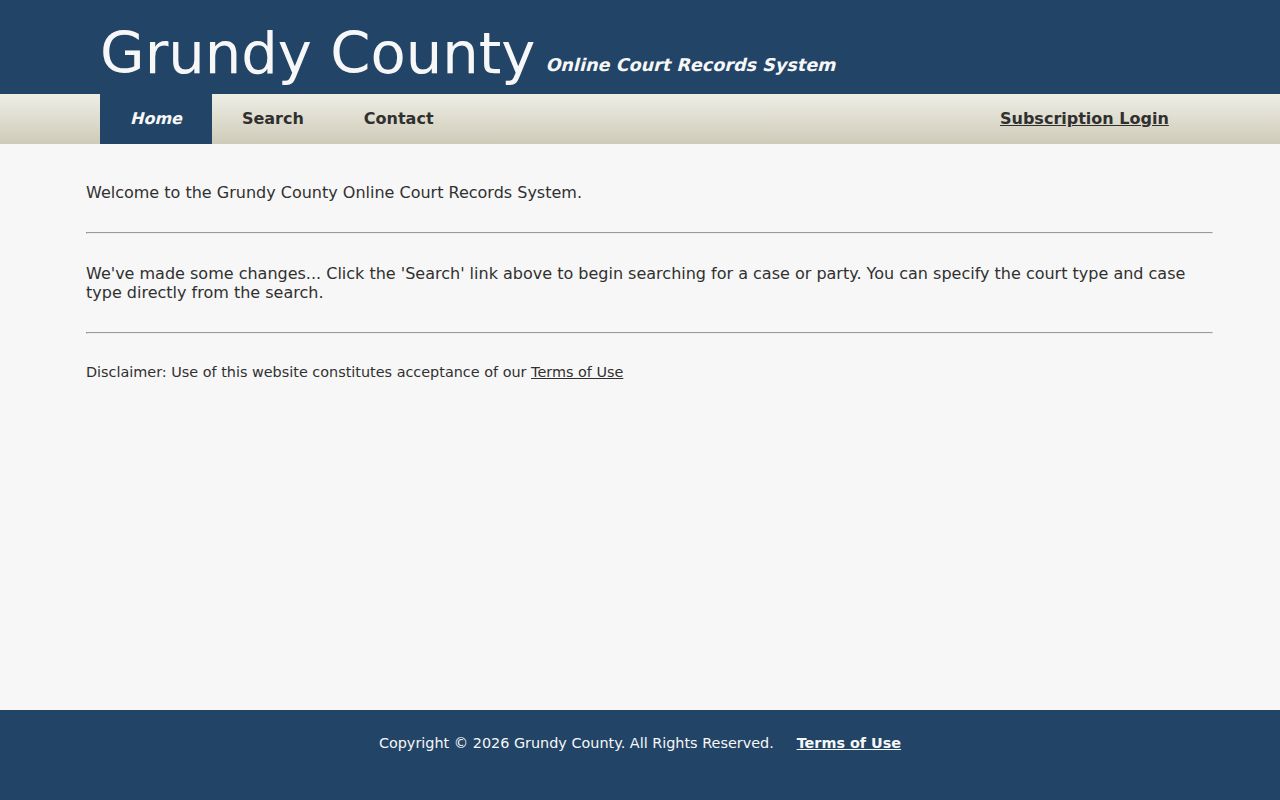
The home screen links to search and subscription navigation, but does not describe a warrant-status product.
The statewide Tennessee Public Court Records System lists county and court participation.
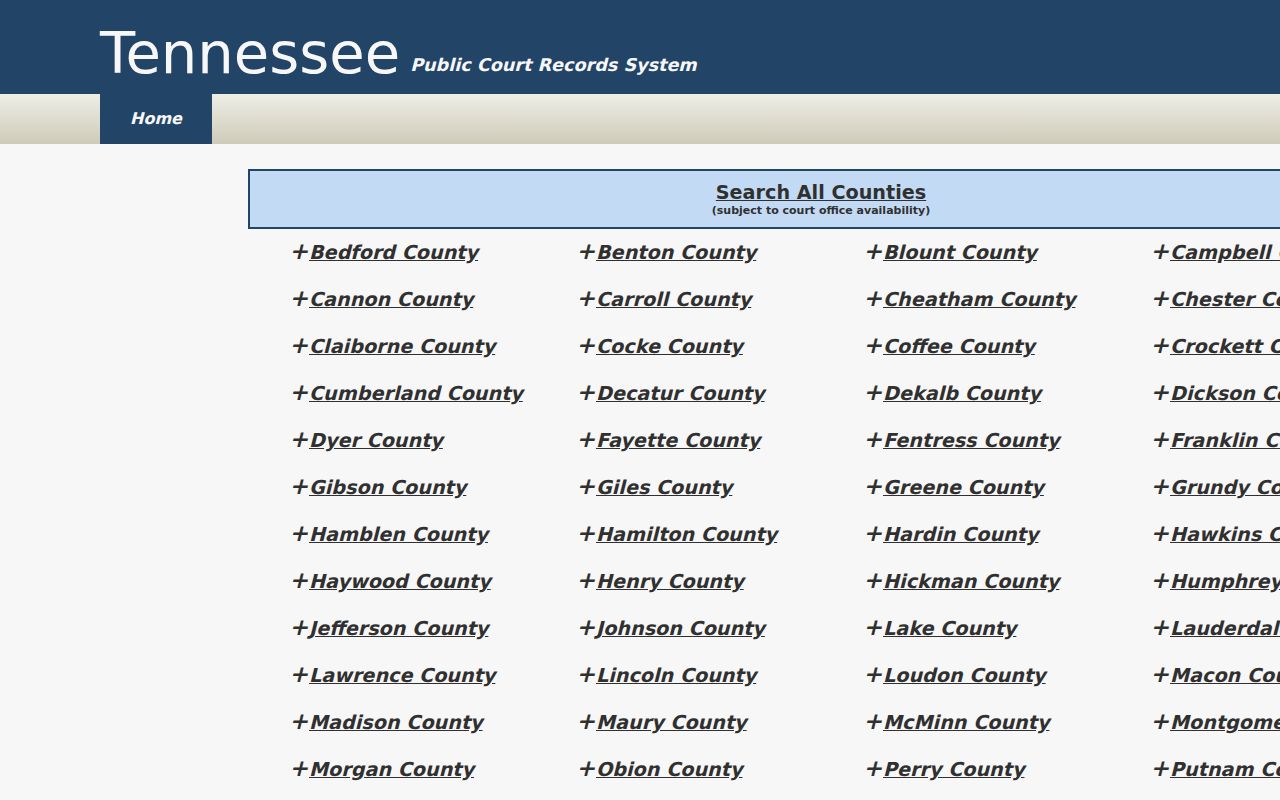
That listing is useful for scope; the issuing clerk remains the source for a specific docket or order.
Grundy County Warrant Search Fields
The form narrows a case search with party name, year, case number, court type, and case type. At least one court office must be selected. “Match all search terms” is checked by default. Full first and last names work best, while a partial first name can perform poorly. Use only fields the portal offers.
| Field Label | Type | Required | Notes |
|---|---|---|---|
| Party Name | Text | No | Up to 100 characters; full name is recommended. |
| Match all search terms | Checkbox | No | Checked by default; combines the criteria entered. |
| Case Year | Text | No | Four characters; use the year if known. |
| Case Number | Text | No | Up to 50 characters; help says the numeric part after the final hyphen can be used. |
| Court Type | Checkboxes | At least one | Circuit Court and General Sessions. |
| Case Type | Checkboxes | No | Criminal and Civil choices. |
| Find Now | Button | Turnstile first | Disabled until the anti-bot check is complete. |
Grundy County Search Help Favors Case Identifiers
When a case number is printed in a formatted style such as 99GS1-2023-CR-12345, the help text says the numeric portion after the final hyphen can be entered. That example explains how to use a case number field; it is not a sample Grundy warrant number. The page does not provide a dedicated warrant-number control.
The public search form accepts quoted phrases, normalizes terms to lower case, and describes typo tolerance by word length. Compound criteria work together. After results appear, the visible-column filter matches literal text only, so it does not repeat the portal's phrase or typo logic.
The image shows the empty search controls, before any person's information is entered.
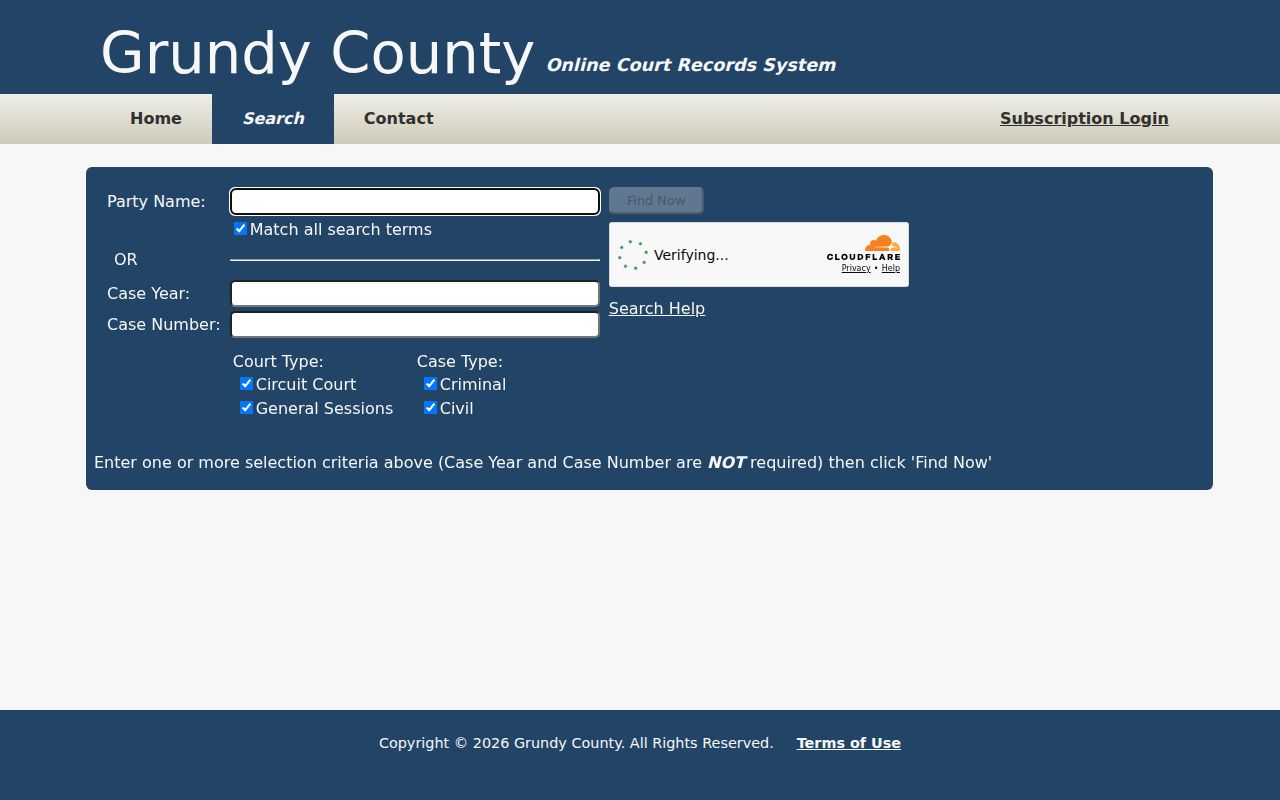
Do not add sensitive identifiers that the form does not request.
The portal's terms page is a separate source for how the system describes access.
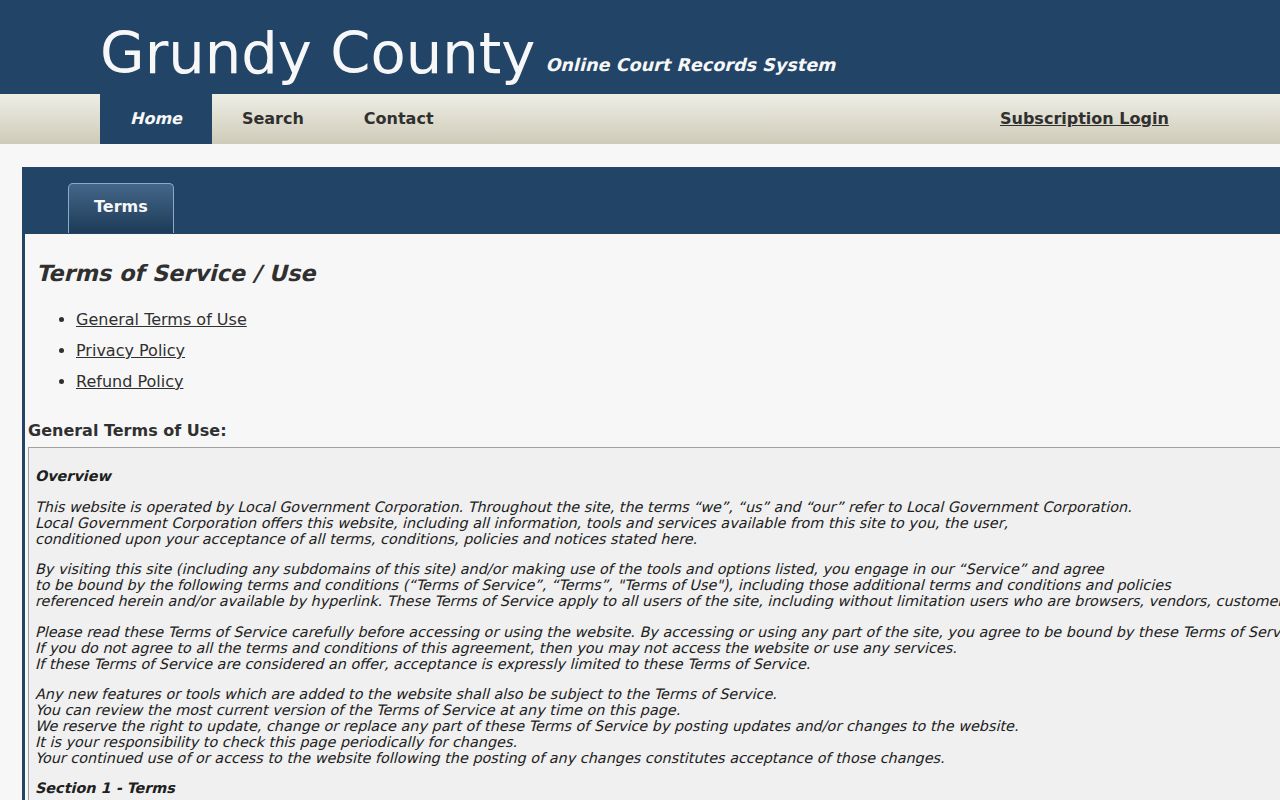
Its separate subscription login does not establish that the public case index is incomplete or reveal extra warrant fields.
What a Grundy County Warrant Search Returns
The public form is designed to find case records. The research did not execute a private-name search or copy an individual result, and it did not verify a fixed result schema that identifies an active warrant. Treat each field below as a question to confirm with the clerk rather than a promised portal column.
| Case number | Warrant format not published Use the court's case identifier where known. |
|---|---|
| Charge / event | Read the docket chronology for FTA, warrant, capias, service, recall, or later action. |
| Issuing court | Confirm Circuit, General Sessions, a city court, or federal court. |
| Bond or release | No county bond schedule or public bond field was verified. |
| Current status | No active, served, or recalled filter was observed on the search form. |
A Grundy County Warrant Docket Hit Needs a Status Check
“Warrant issued” is an event, “served” or “returned” concerns execution, and “recalled” or “quashed” records later court action. Read the dates in sequence. A portal result can be an index or docket lead and may not show a signed order, a service return, or the newest operational status. The issuing clerk answers the court-file question; the Sheriff answers county service or custody procedure.
The county case portal is part of a broader court-record system, but the separate Search All Counties route does not create a universal active-warrant database.
County coverage and the type of record available should be confirmed before relying on a no-result screen.
The Tennessee courts clerk finder routes warrant, arrest, and trial questions to the county where the case began.
For a Grundy matter, that routing supports starting with the Circuit Court Clerk for a county case.
Where Grundy County Warrants Are Checked
For Circuit or General Sessions court-file questions, contact Penny Sons, Circuit Court Clerk, at (931) 692-3368. For county service, custody, or operational procedure, contact the Grundy County Sheriff at (931) 692-3466. There is no verified public statewide warrant database; TNCrtInfo is a participating court-case search, not a law-enforcement system.
For a Monteagle or Tracy City municipal case, ask the city court clerk or police department. The other top municipalities need to confirm whether they hold a city case or whether it belongs in county General Sessions. Federal cases route through the Eastern District of Tennessee, not the county clerk.
Grundy County Records Requests Go to the Right Office
Tennessee has no central repository for every public record. Direct a request to the office holding the existing file: Penny Sons for a county court docket, the Sheriff for law-enforcement records, or a city office for municipal process. Ask for inspection or copies of a defined record and date range. The custodian need not create a new all-warrants list, and no local Grundy request fee or warrant form was verified.
The Tennessee Comptroller records FAQ explains the custodian-specific rule.
The statewide Eastern District of Tennessee location page includes Grundy County in the Winchester Division.
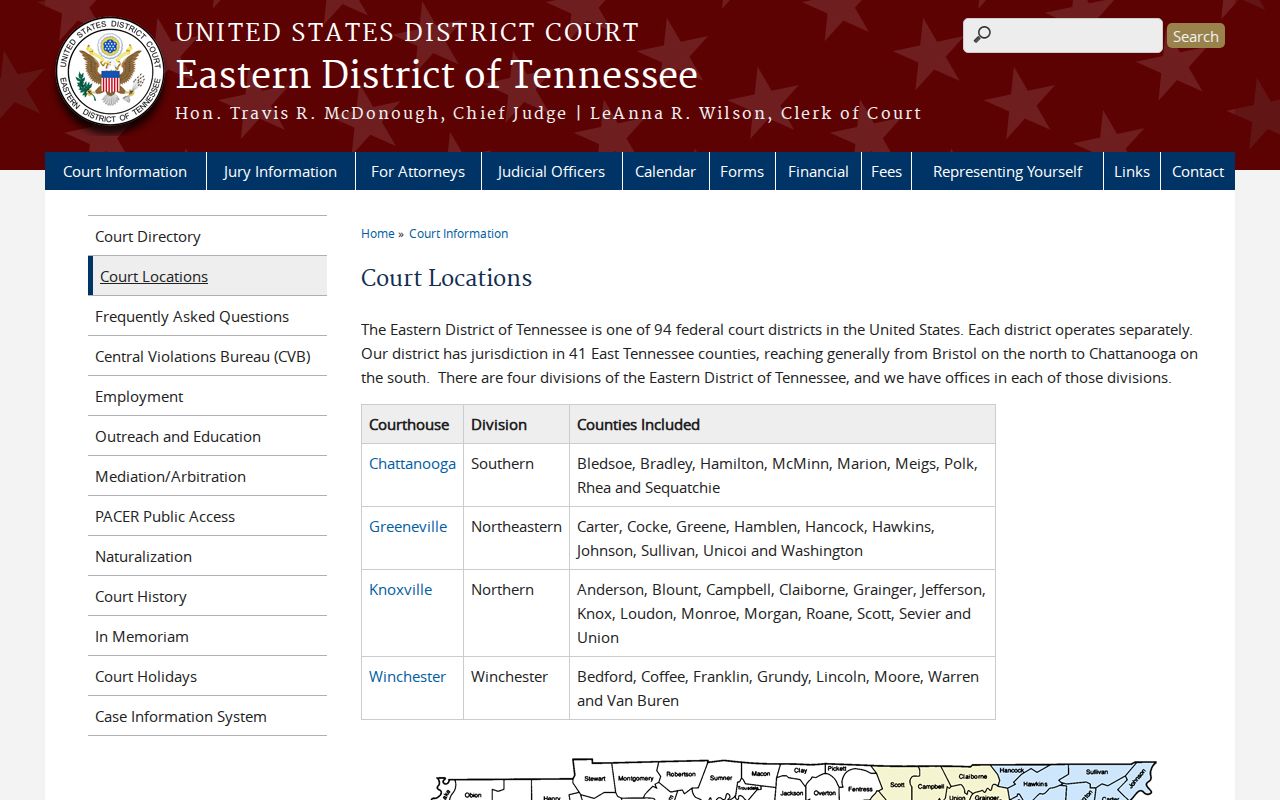
Federal docket questions should go to the federal court rather than the Grundy clerk.
PACER's official pricing page lists access costs for public federal docket research.
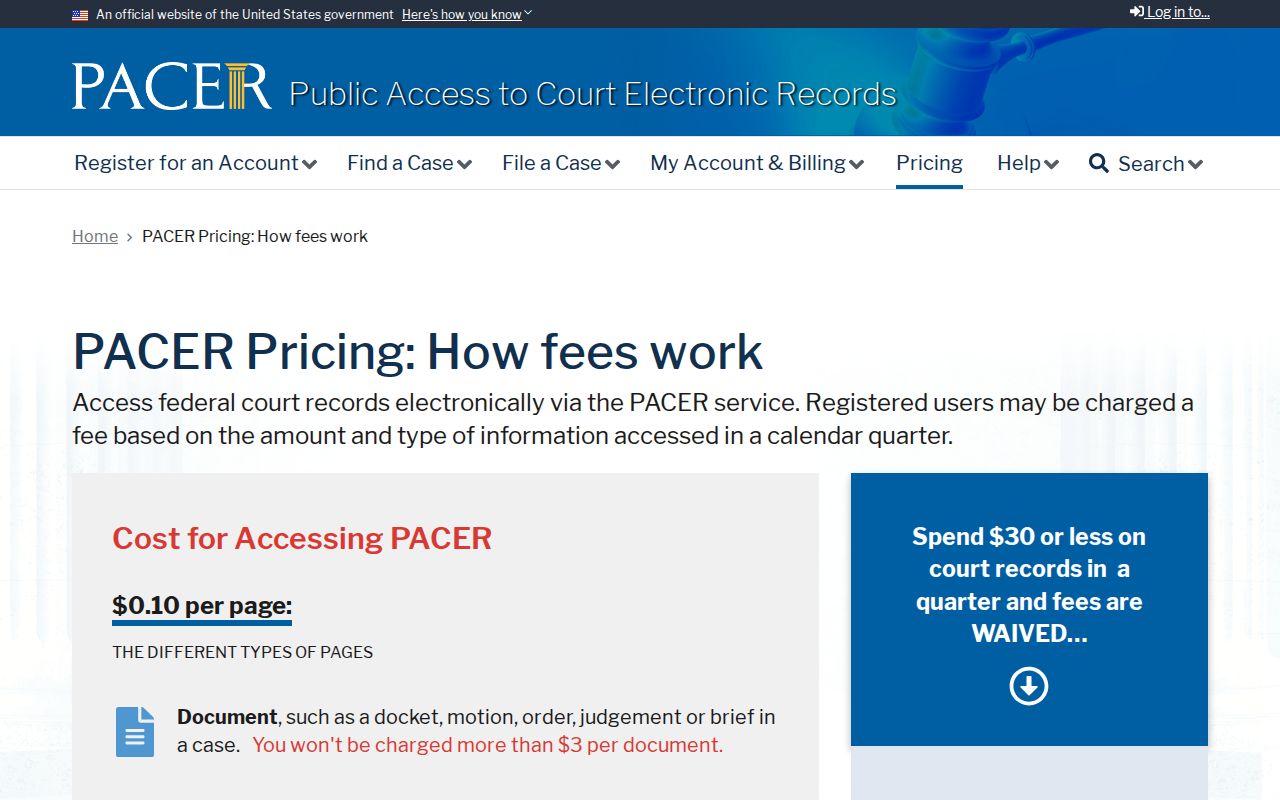
Fees can change; check the current federal page before opening documents. RECAP may offer free copies when a document has been contributed.
Access and Restricted Warrants
Tennessee's public-access rules do not make every court file searchable. Juvenile, sealed, protected, confidential, and investigative records may be limited or absent from the public index. A city or federal court may hold the file outside the county portal. Ask the appropriate clerk what can be inspected and whether a redacted record is available.
Key Rules:
A sealed or protected court record may not appear in a public search; ask the clerk about the access rule for that file.
Juvenile records have confidentiality limits, and only an authorized person or counsel should seek access.
A no-result screen does not prove that no warrant exists; check the issuing court and serving agency.
Federal Grundy County Cases Use a Separate Court
Grundy County is in the Winchester Division of the U.S. District Court for the Eastern District of Tennessee. PACER is the official federal docket route. CourtListener's RECAP archive can be a free search lead where a document has been contributed, but it is not the court custodian. A sealed or unserved federal warrant may not appear in either public route.
County court staff cannot recall a federal warrant. Confirm the division and case with the federal clerk or counsel, and ask the proper federal office about surrender or release instructions before traveling.